Duplicate Image Finder

Stop Letting Duplicates Eat Your Storage. Seriously. Your phone took 12 burst photos of that dog, and we know it.

Get the Free Duplicate Slayer
(slays nothing, just moves them to a different folder)

It's Not Elegant. It's Practical.

Finds Duplicates Fast

Finds identical or close-enough images through file hash comparison.

Moves 'Em to the Duplicates Folder

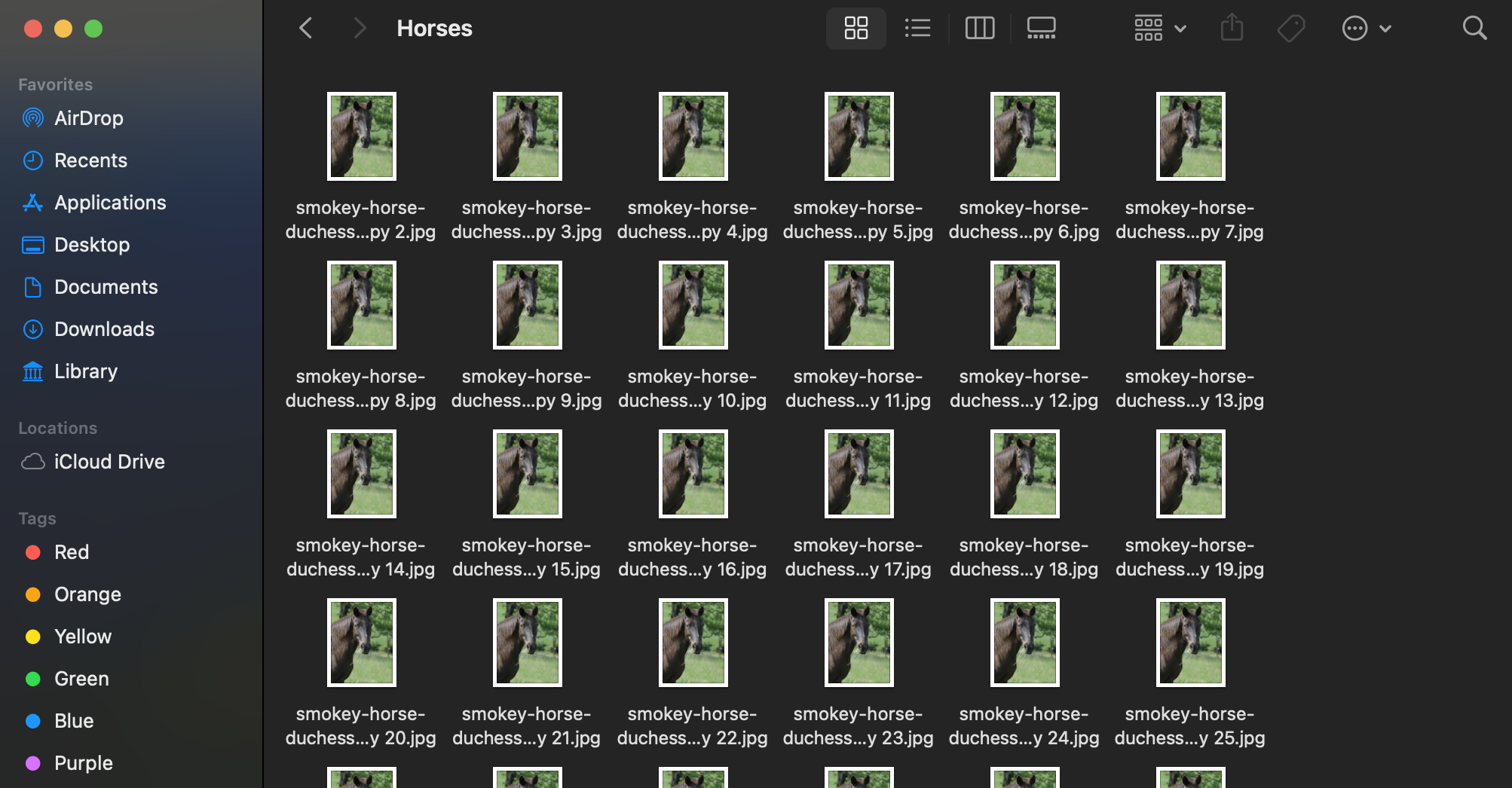
We don't delete anything. We just neatly relocate the copies so you can look at them one last time before hitting 'Delete.'

So Simple, It's Kind of Boring

No fancy features, no monthly subscriptions, and no complicated settings. It's a one-click process. You're welcome.
What? That Wasn't Clear Enough?

Maybe we came off too strong, let's start over.

Let Me Explain

1.

Acquire Target

Look at the measure of our iniquity. Designate it as the filth it is.

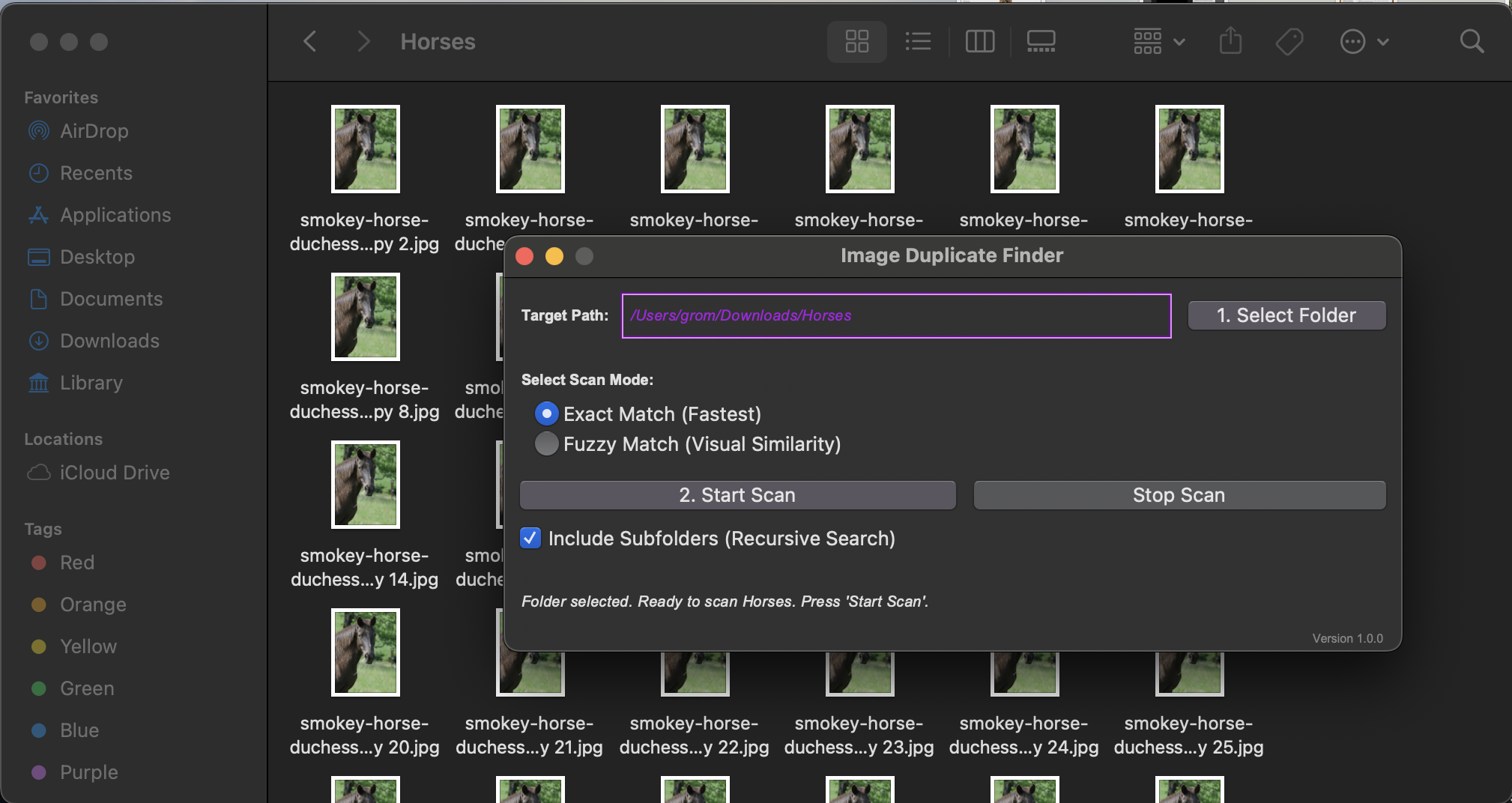
Step 1. Acquire the folder
2.

Scan It

Your folder is scanned for matching files. "Whoops, wrong folder?" Admire the helpful 'Stop Scan' button in it's utility.
"Wait, don't move anything!" A helpful window will prompt you before moving any found duplicates.

Step 2. Scan it
3.

Move It

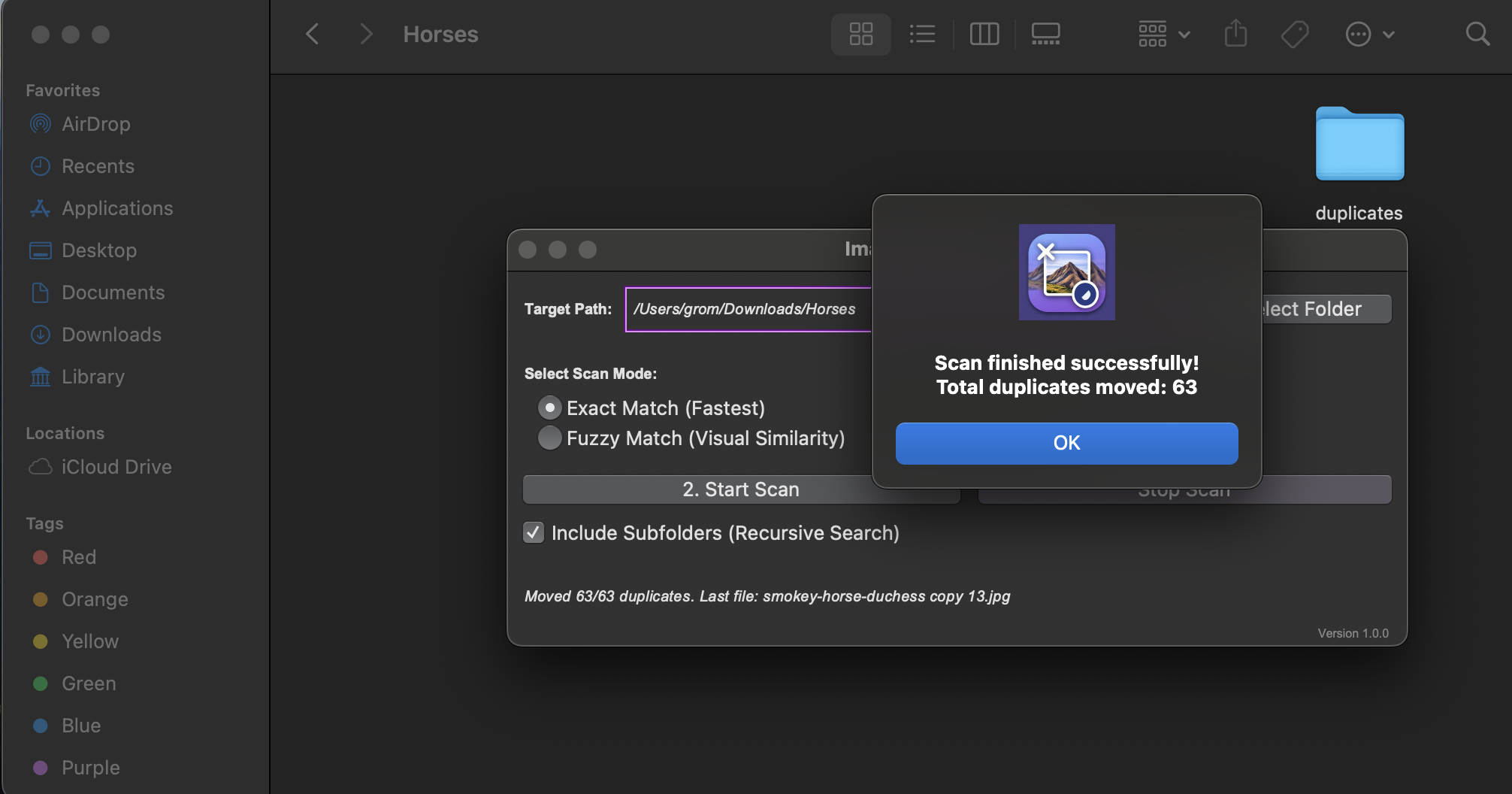
"Hey do you want to move these files?" the helpful window asks. "Yes, I would". You say, out-loud, to the helpful window.
Click 'OK' and all those messy files are added to a new 'duplicates' folder. "That was easy!" You say, again out-loud.

Step 3. That's it.